Understand your whole home at a glance.
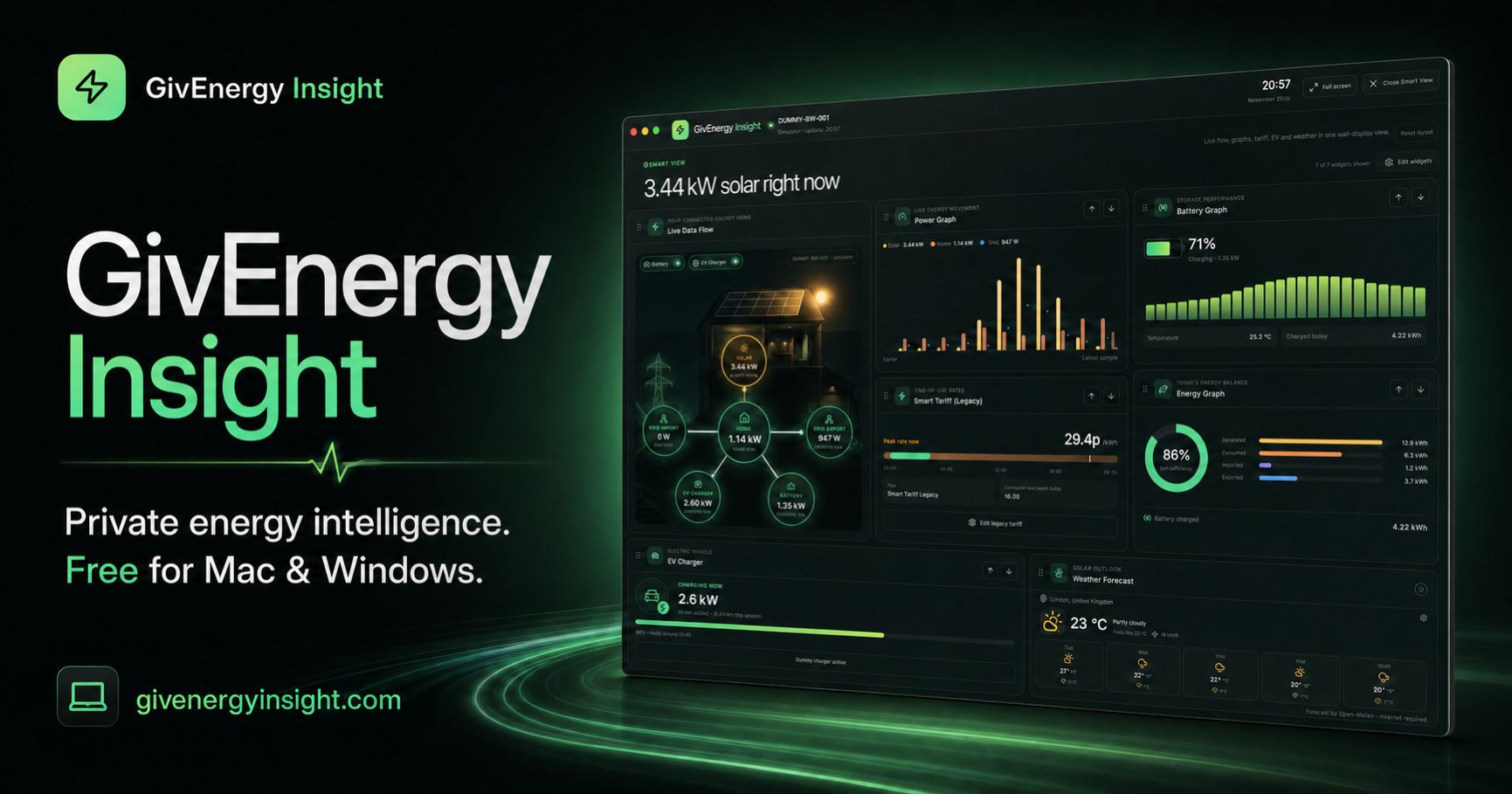
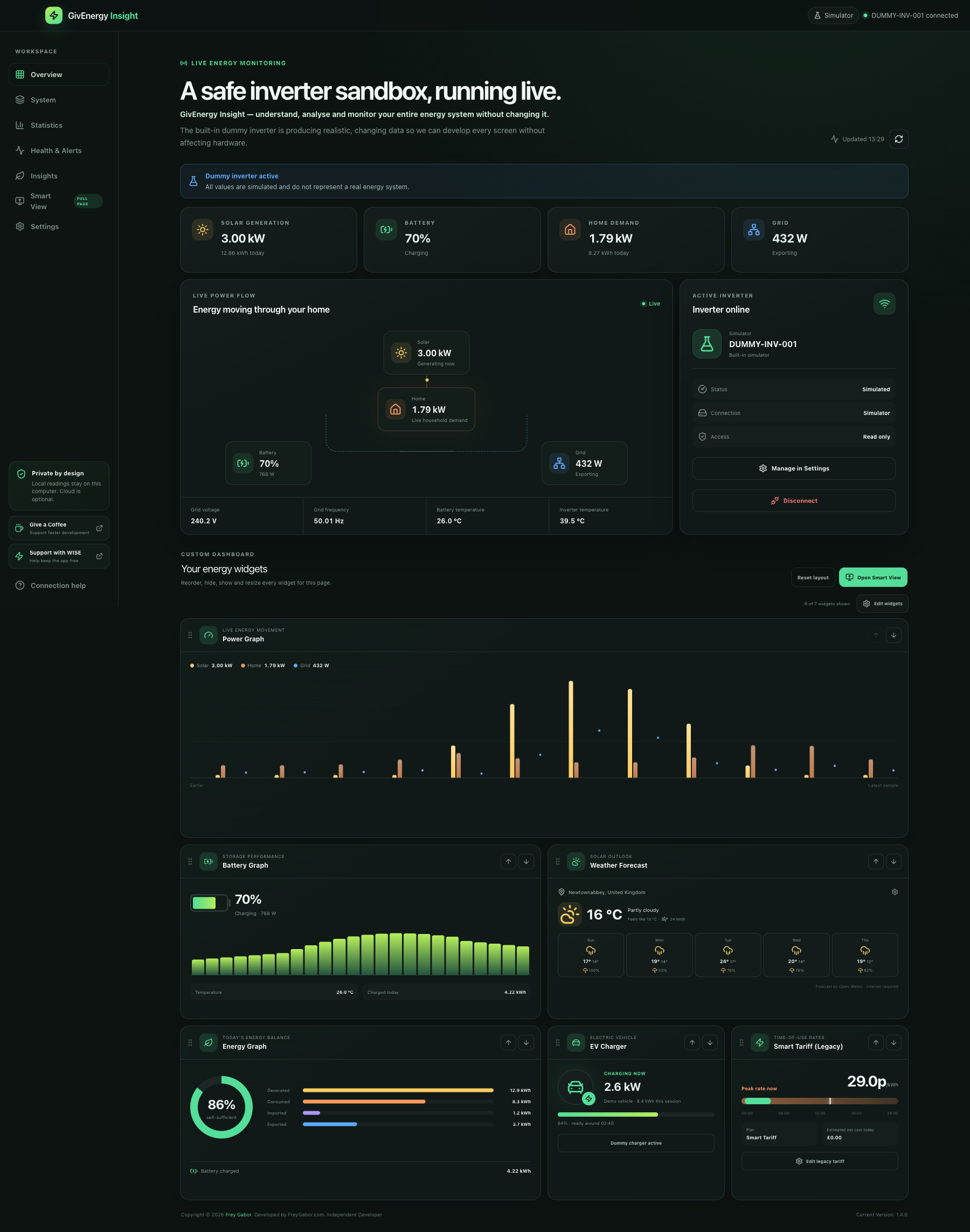
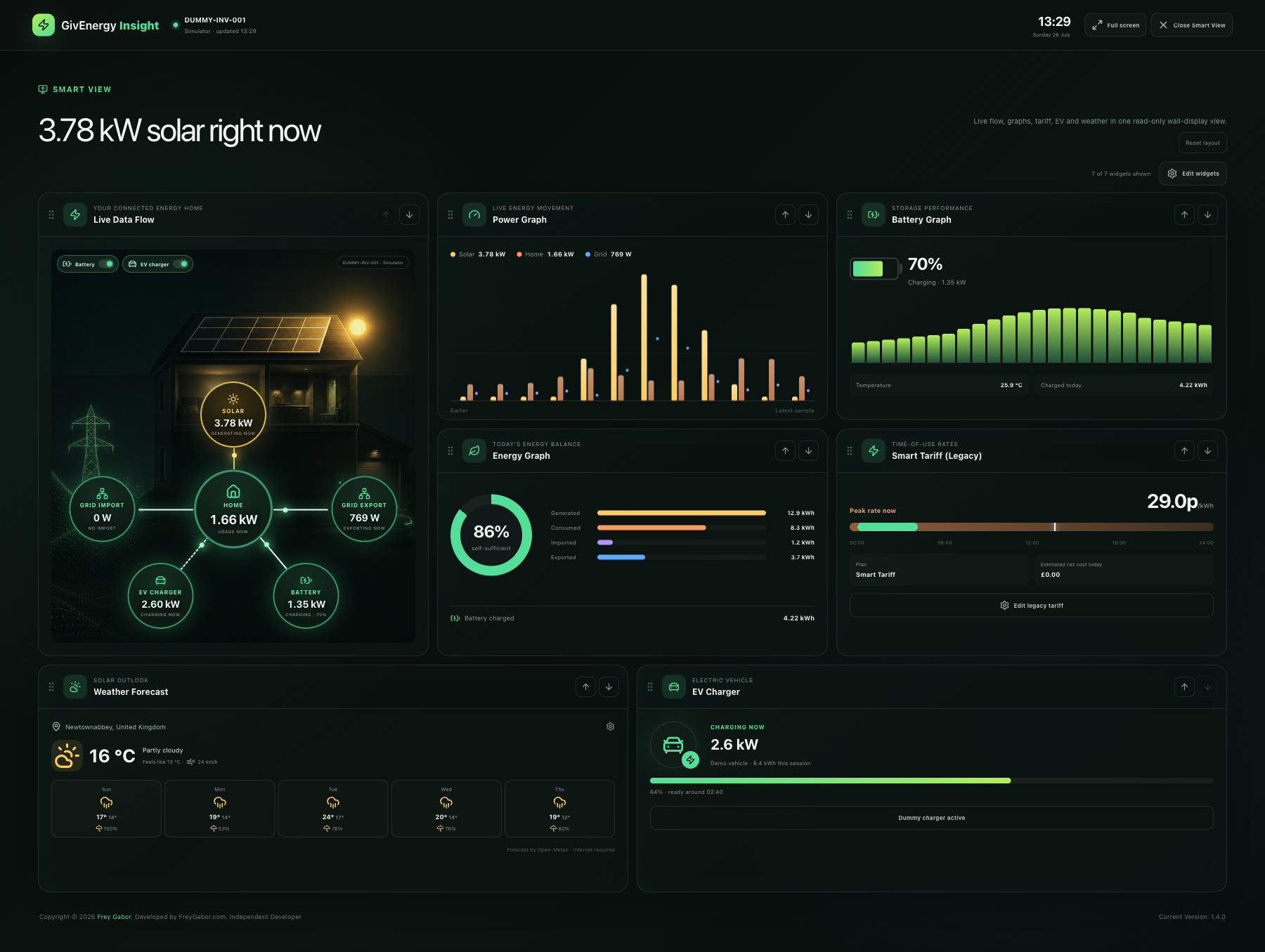
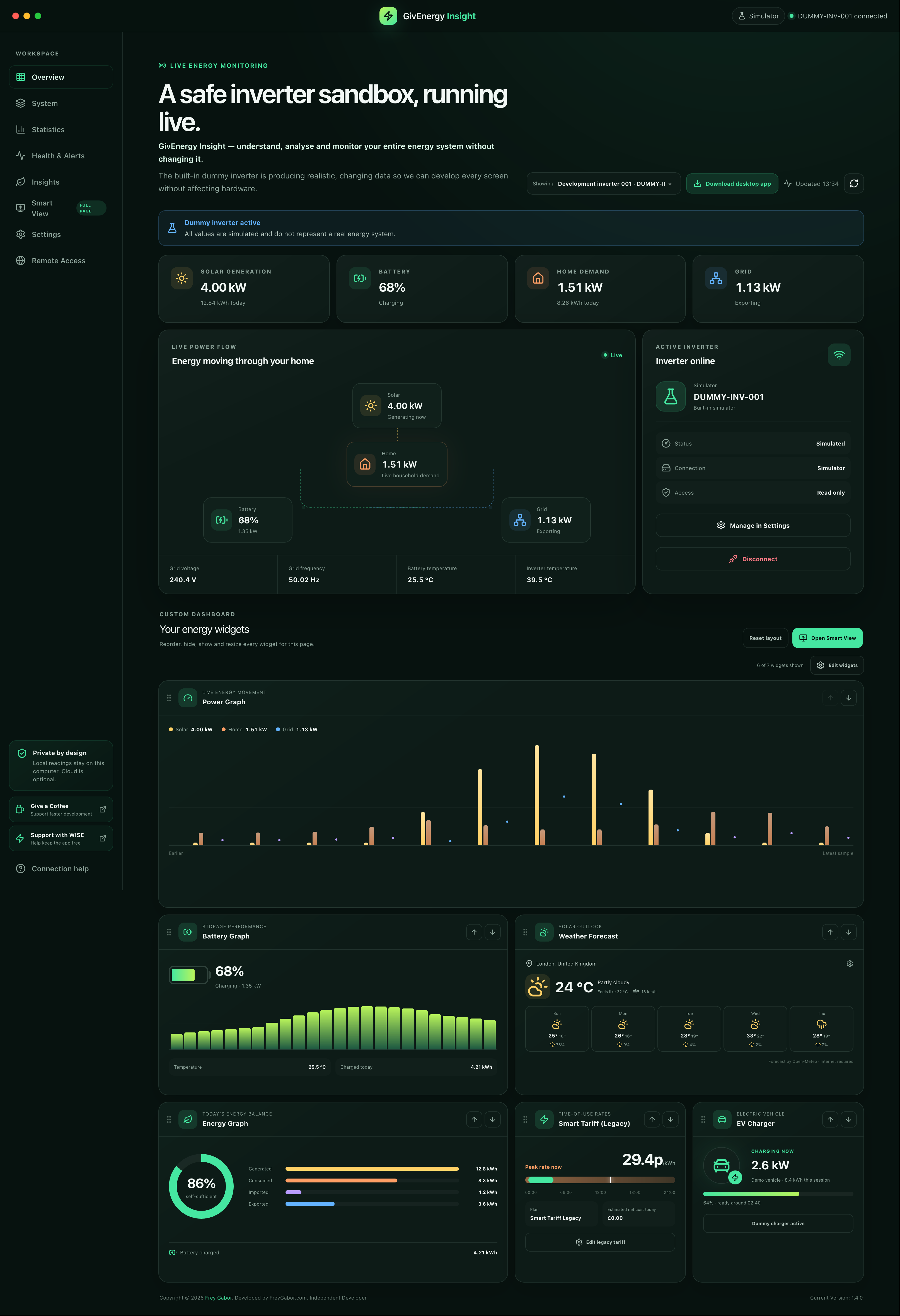
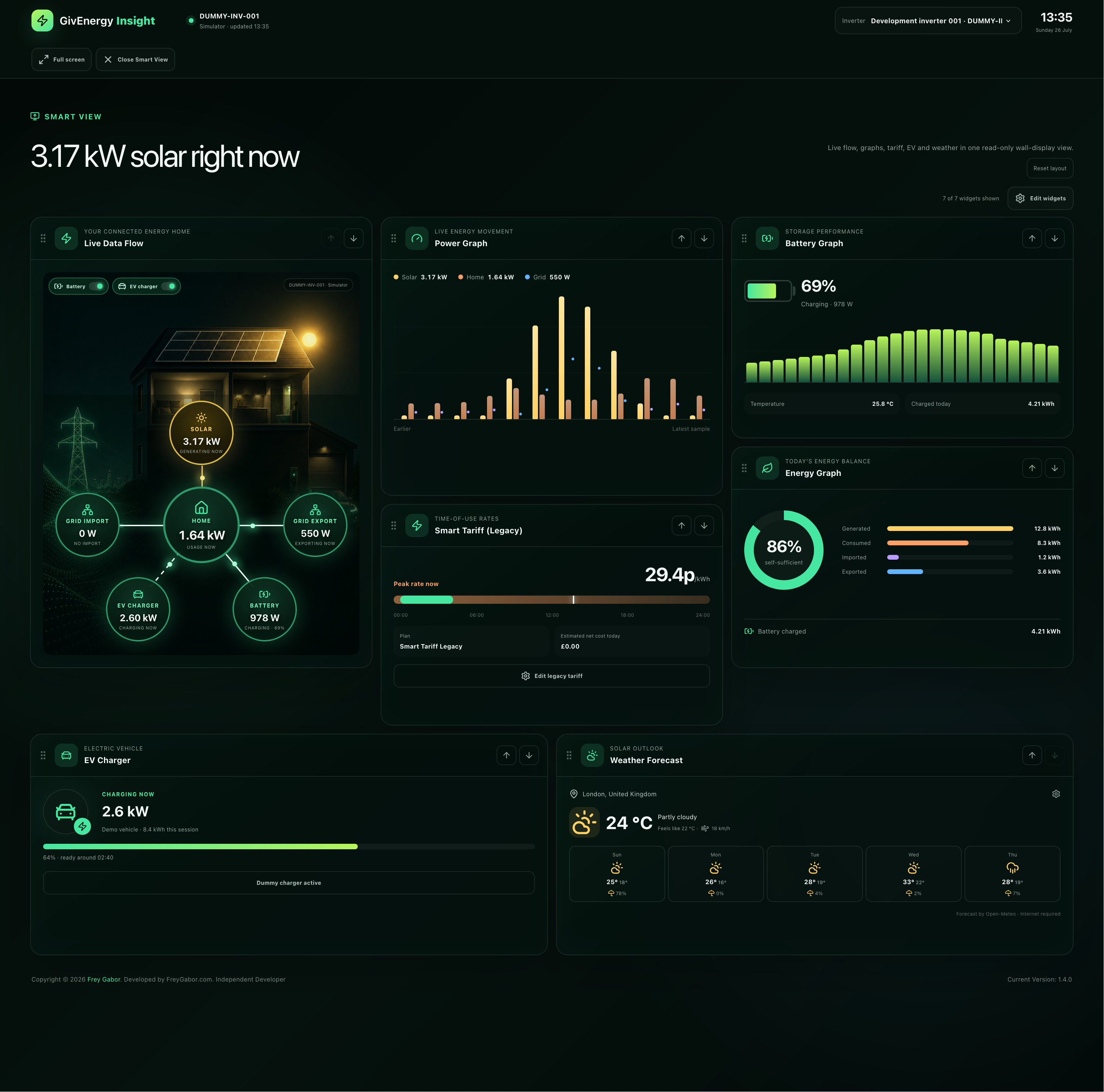
See solar generation, household demand, grid import and export, battery movement and EV charging in one animated visual. Optional branches keep the layout relevant to your installation.
See inverter, solar, battery, meter, tariff and energy-performance information in one place. GivEnergy Insight does not change inverter settings, schedules, charge slots, discharge slots or export profiles.
Designed for homeowners who want meaningful live data without giving up control of where that data goes.
See solar generation, household demand, grid import and export, battery movement and EV charging in one animated visual. Optional branches keep the layout relevant to your installation.
Connect directly to a compatible inverter on your home network. Local readings stay on your computer and continue working offline.
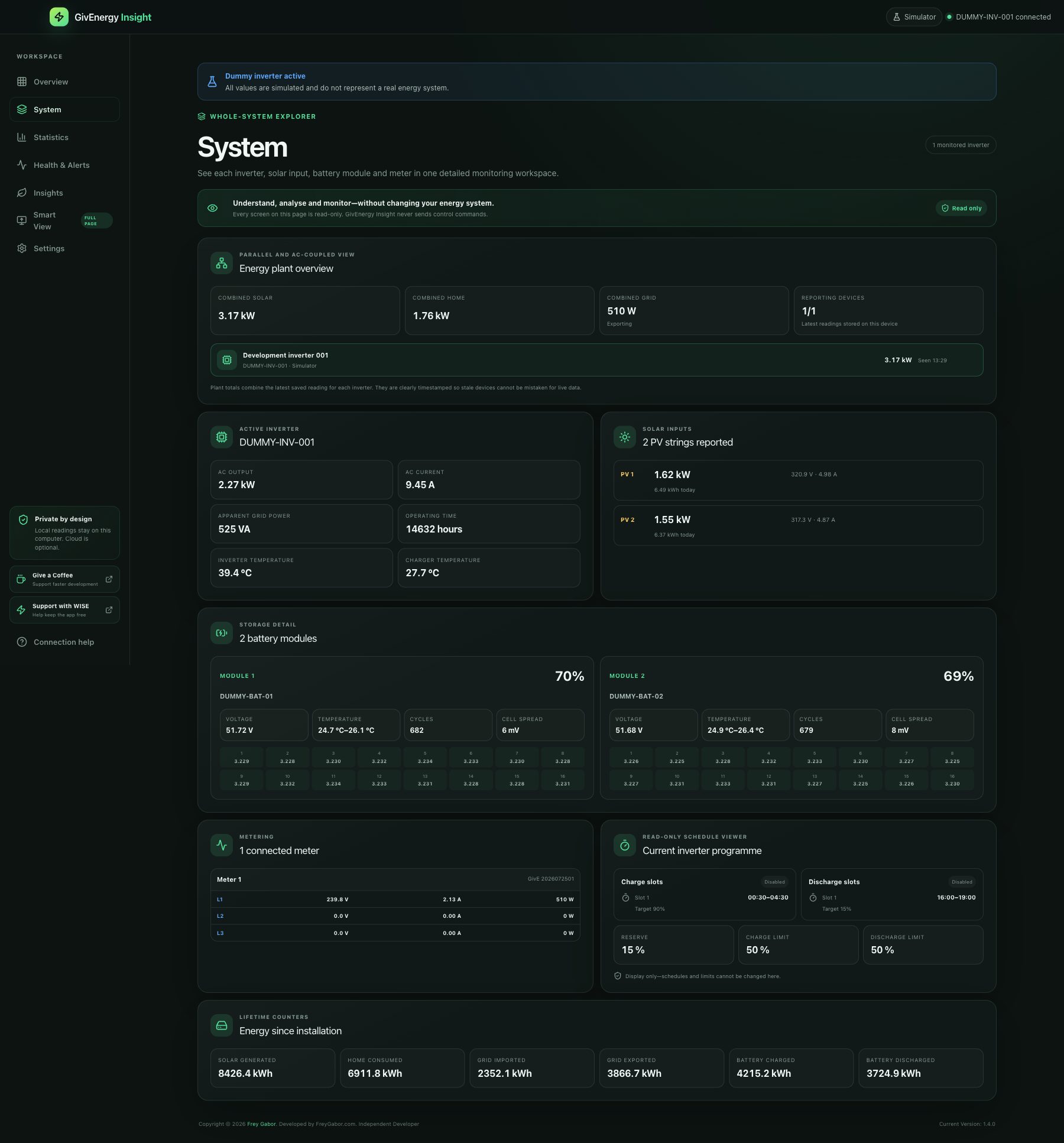
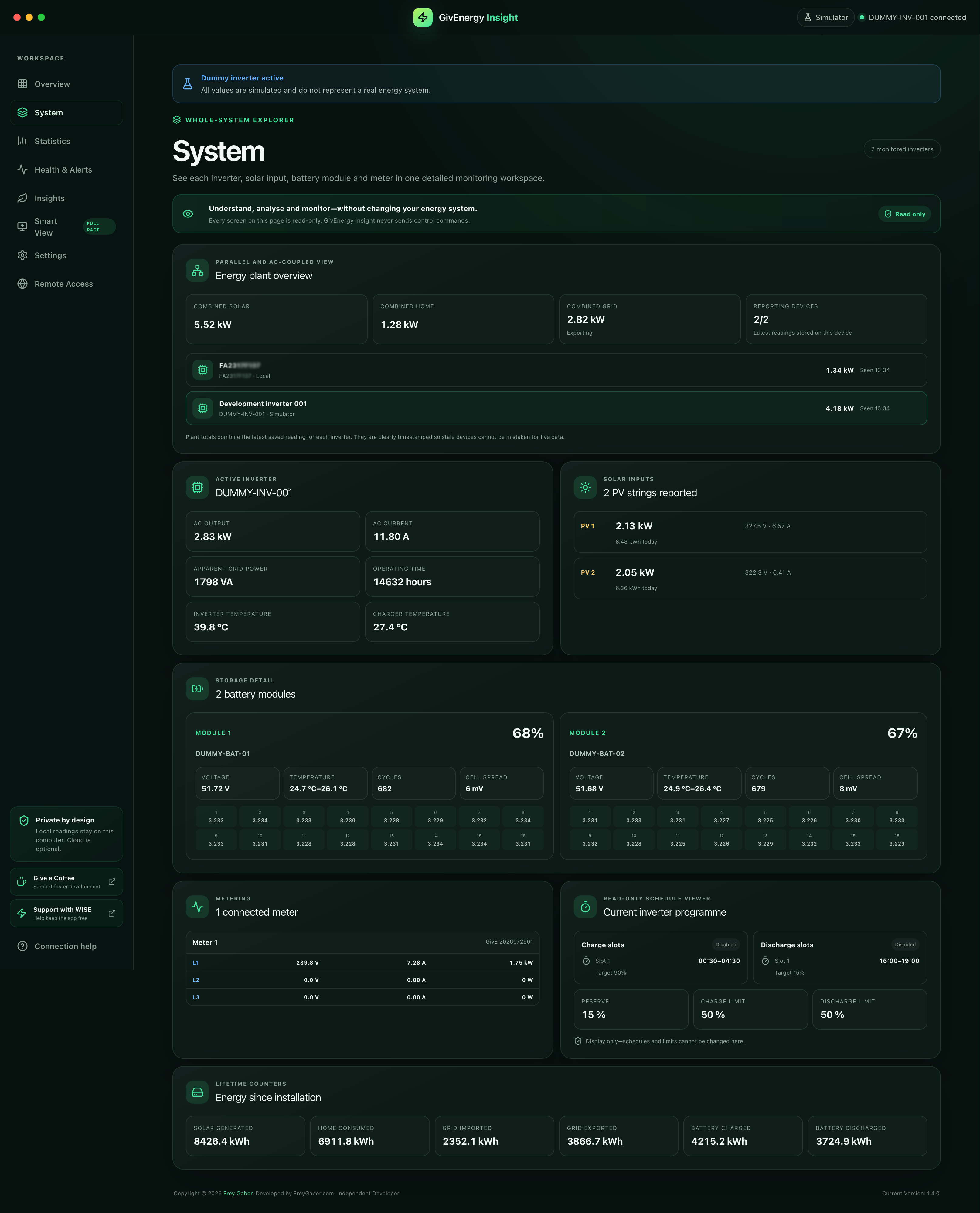
Recommended connectionReview parallel and AC-coupled inverters, PV strings, battery modules and cells, meters, temperatures, loads, lifetime counters and configured schedules.
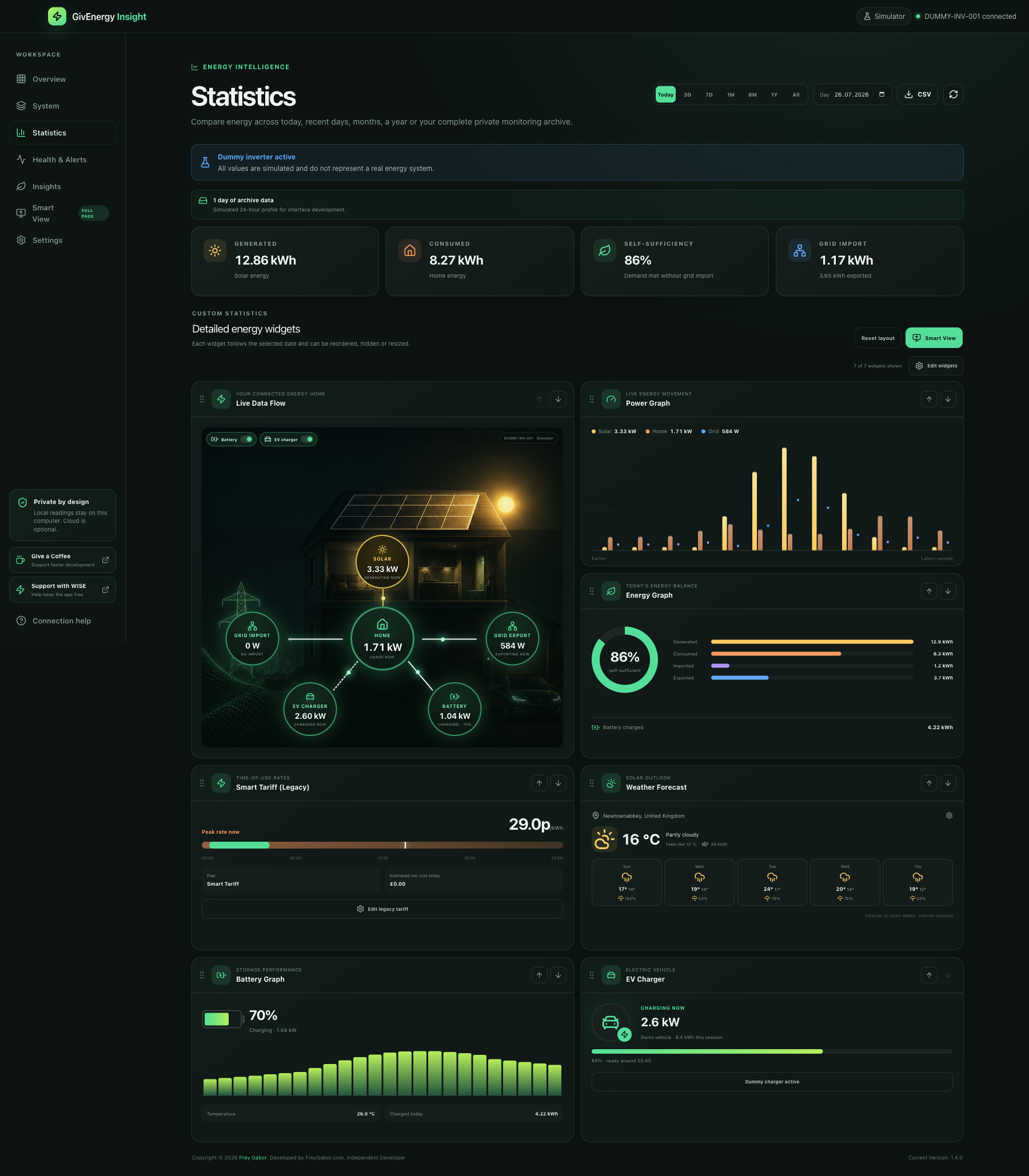
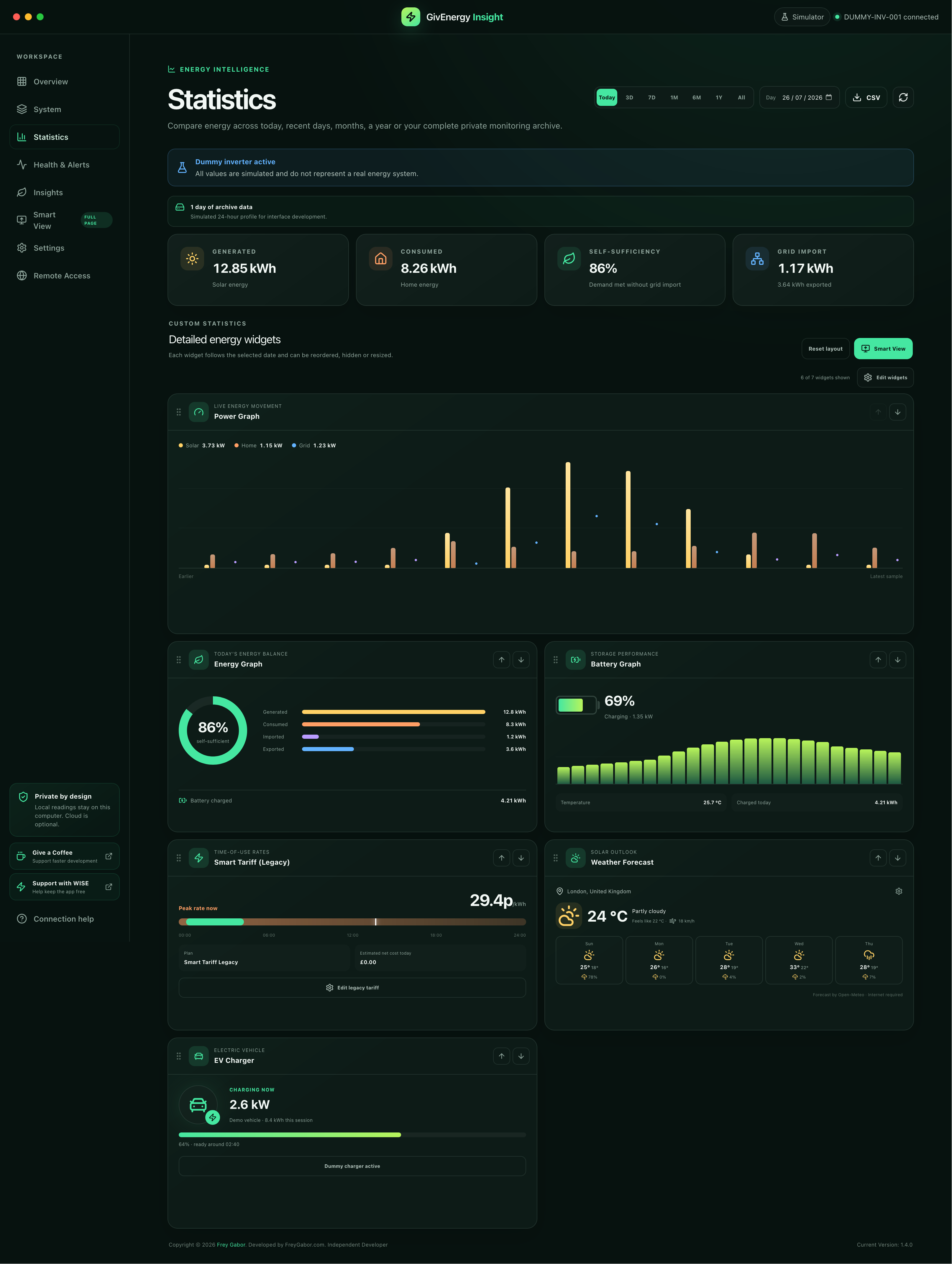
New in 1.4.0Compare generated, consumed, imported, exported and battery energy across Today, 3 days, 7 days, 1 month, 6 months, 1 year or your complete private archive.
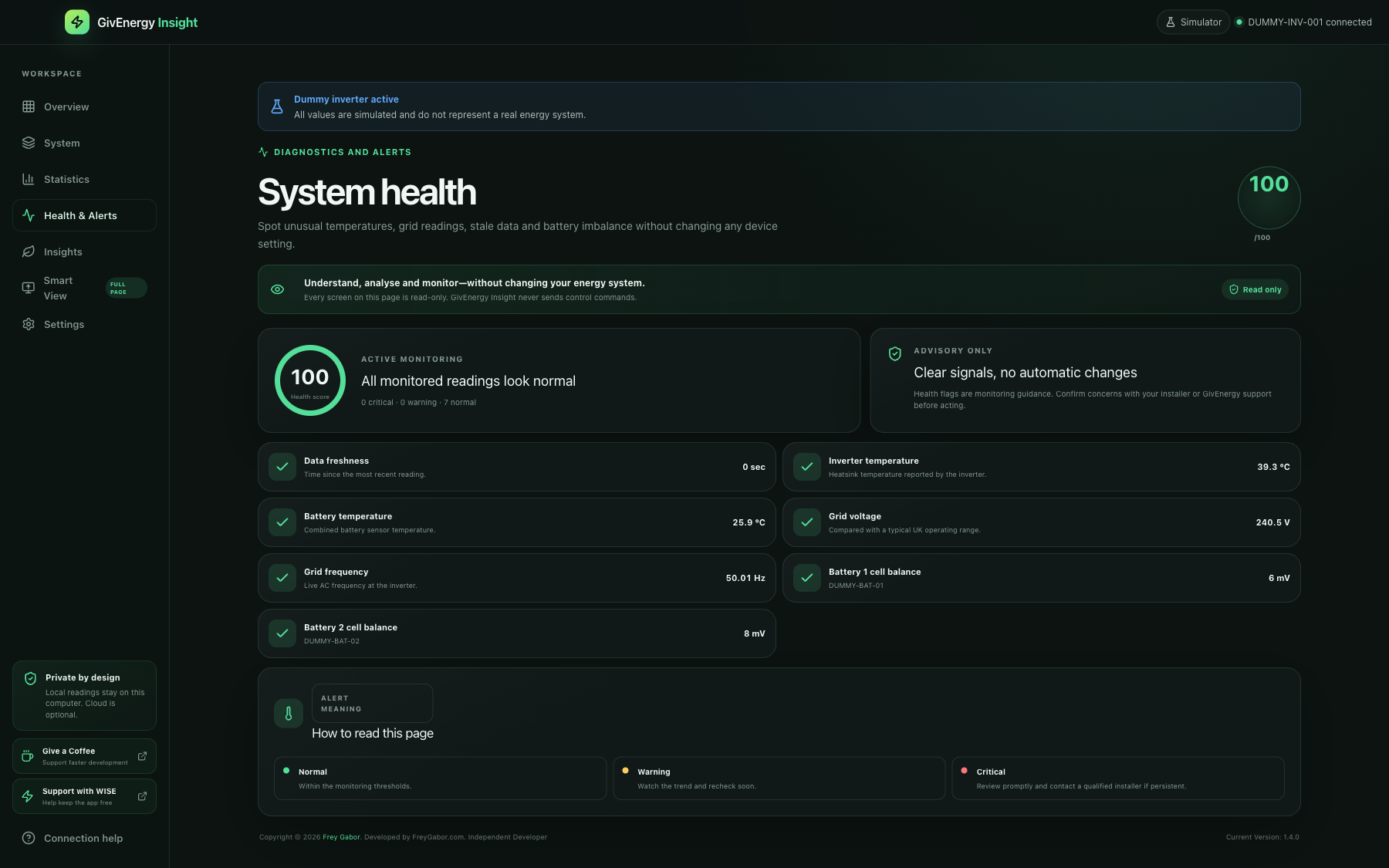
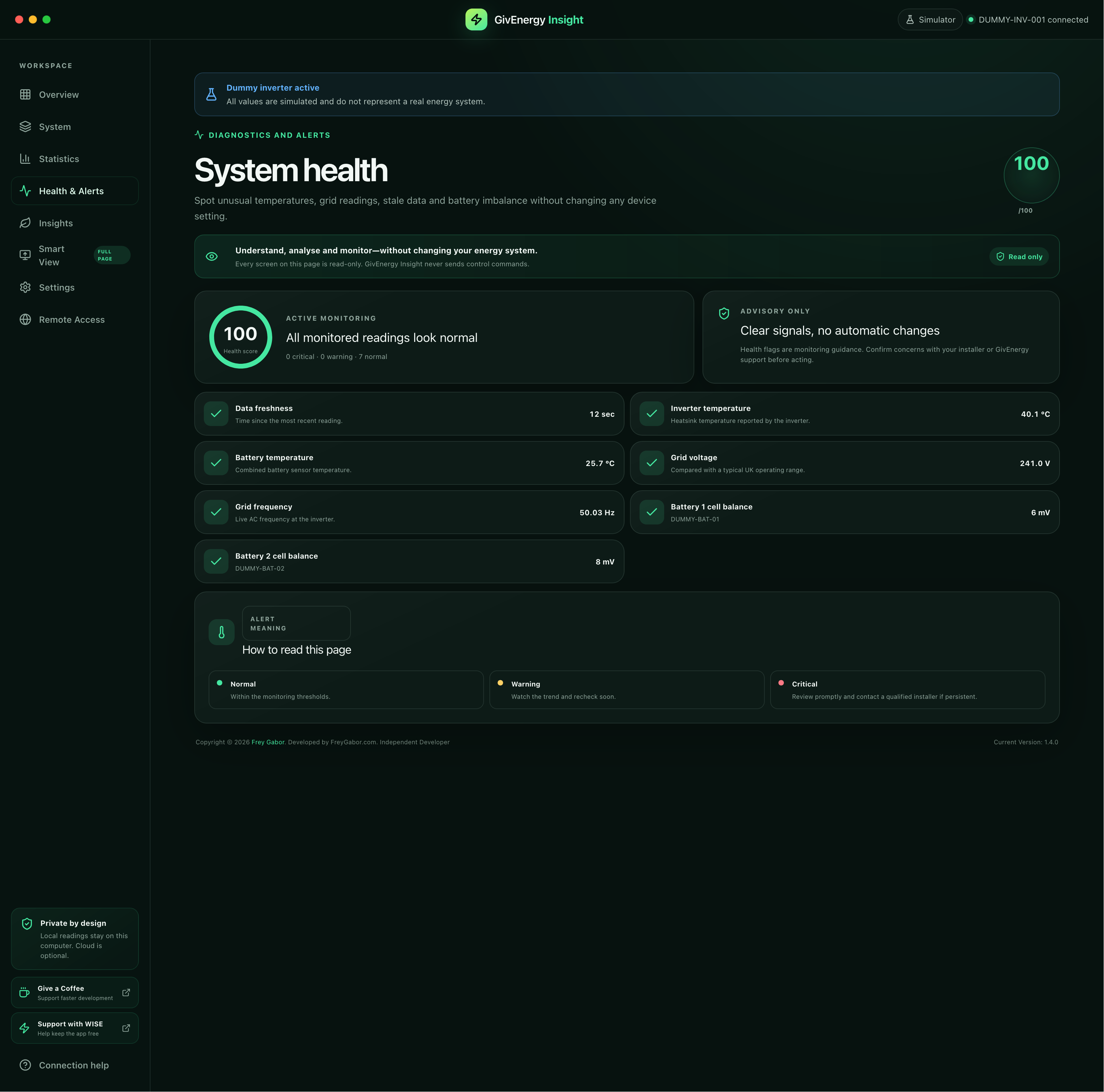
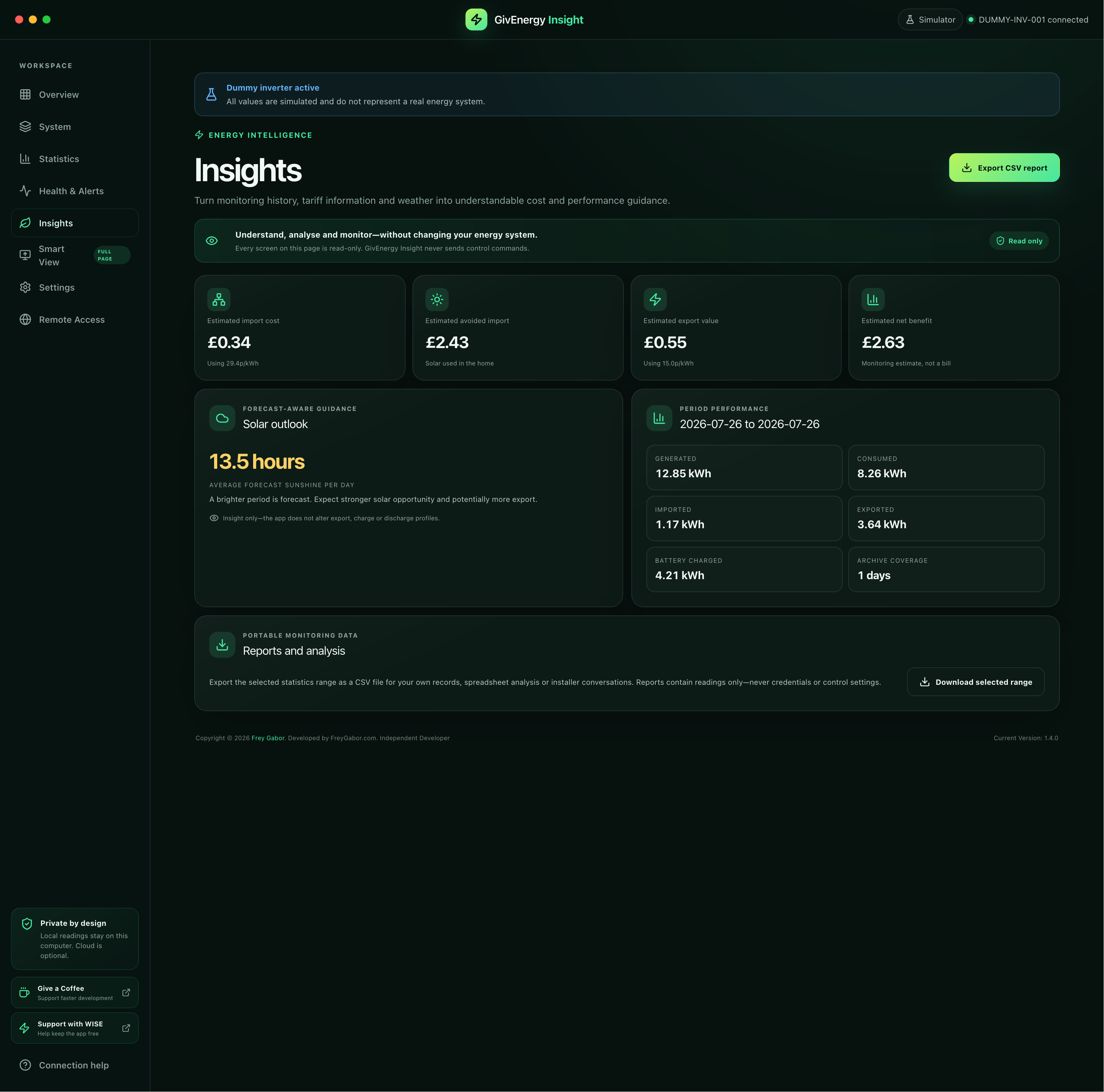
Monitor data freshness, voltage, frequency, temperatures and battery-cell balance with advisory health signals that never make automatic device changes.
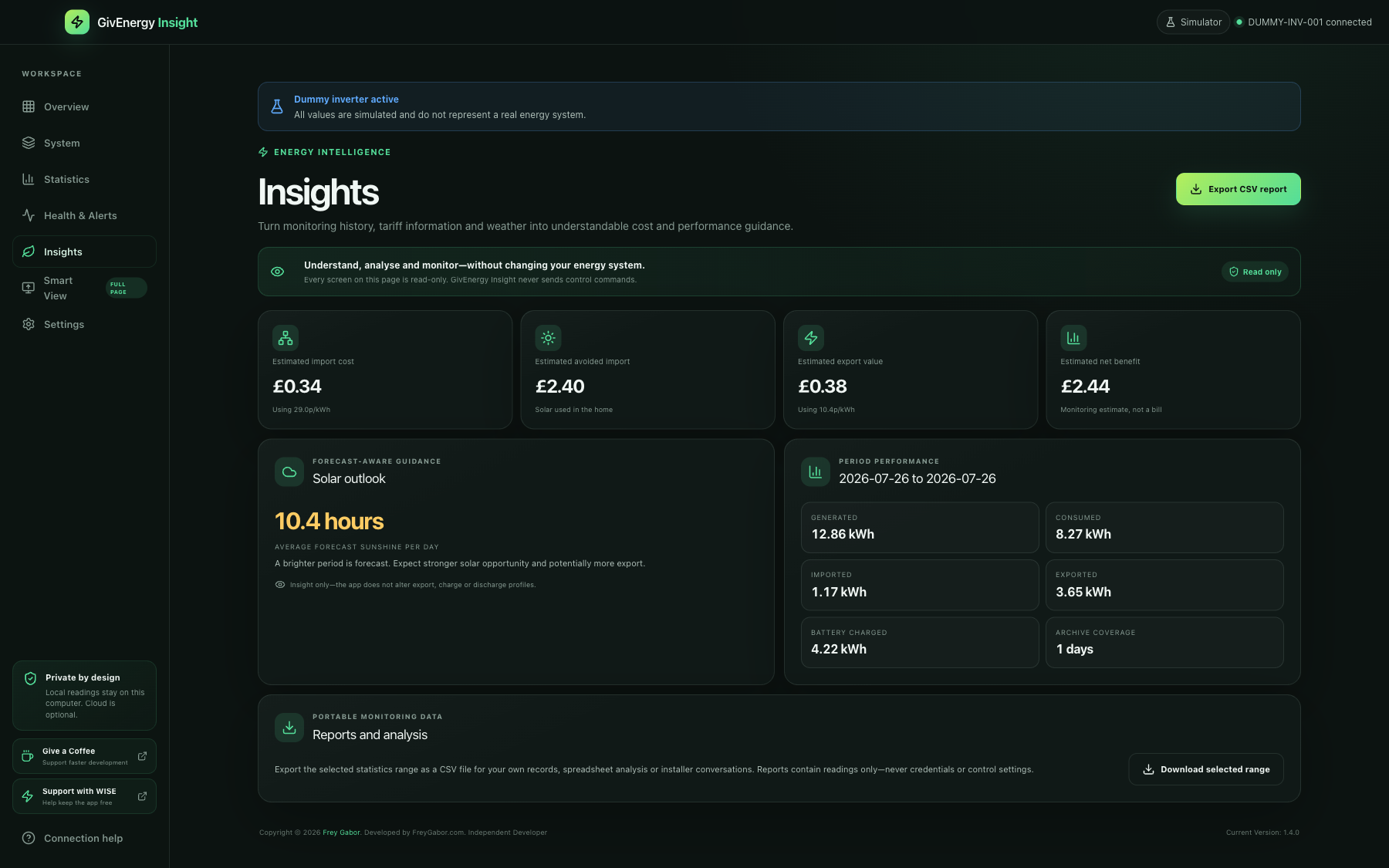
Estimate import cost, avoided import and export value, add forecast context, and download the selected monitoring range as a portable CSV report.
Explore the current desktop app and the available GivEnergy Insight Synology DSM public beta running privately from a NAS.
GivEnergy Insight can read compatible inverter data directly across your home network. That means fast updates and a useful dashboard even when the internet is unavailable.
Choose Apple Silicon Mac, Intel Mac, Windows or the available Synology DSM package for your system.
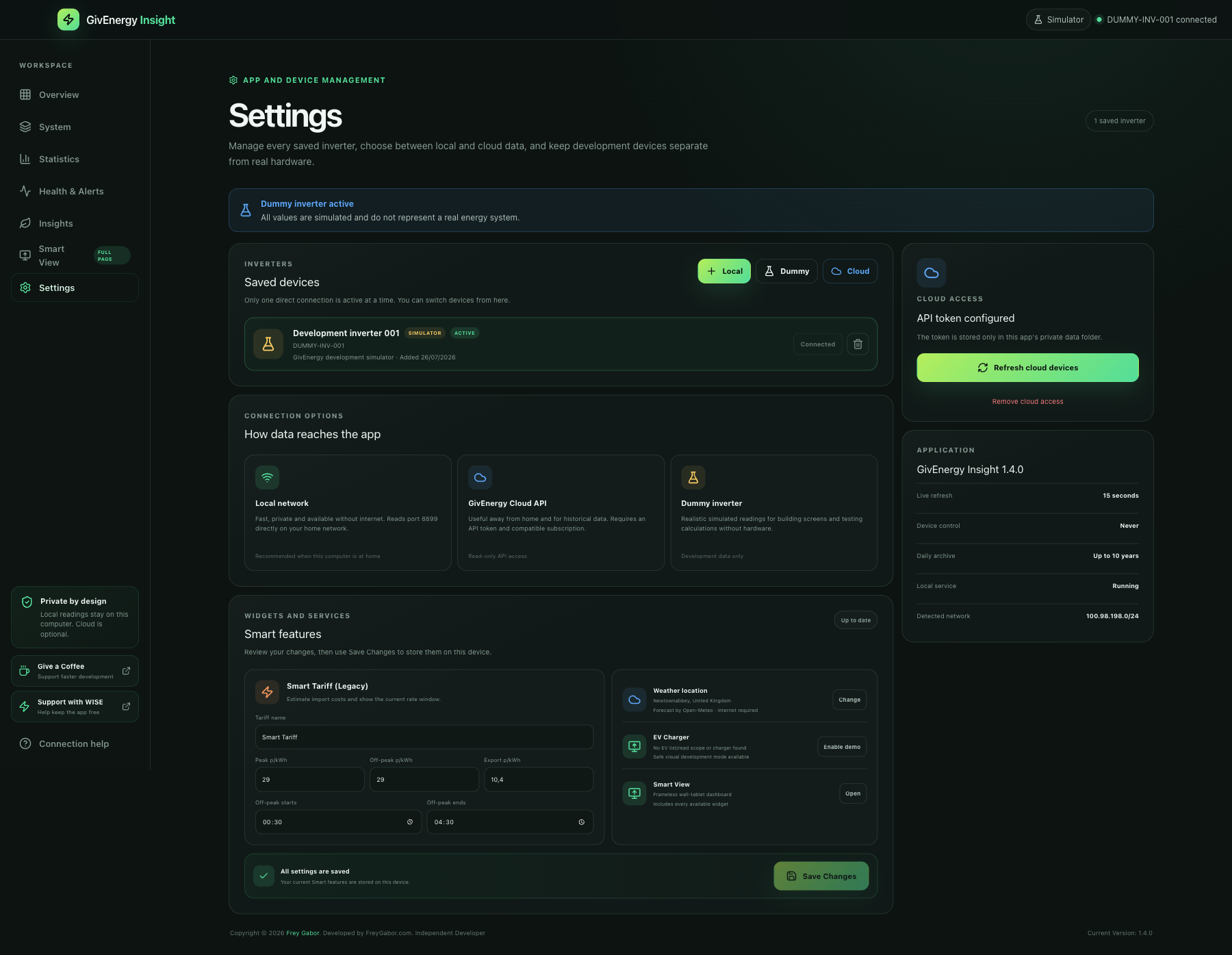
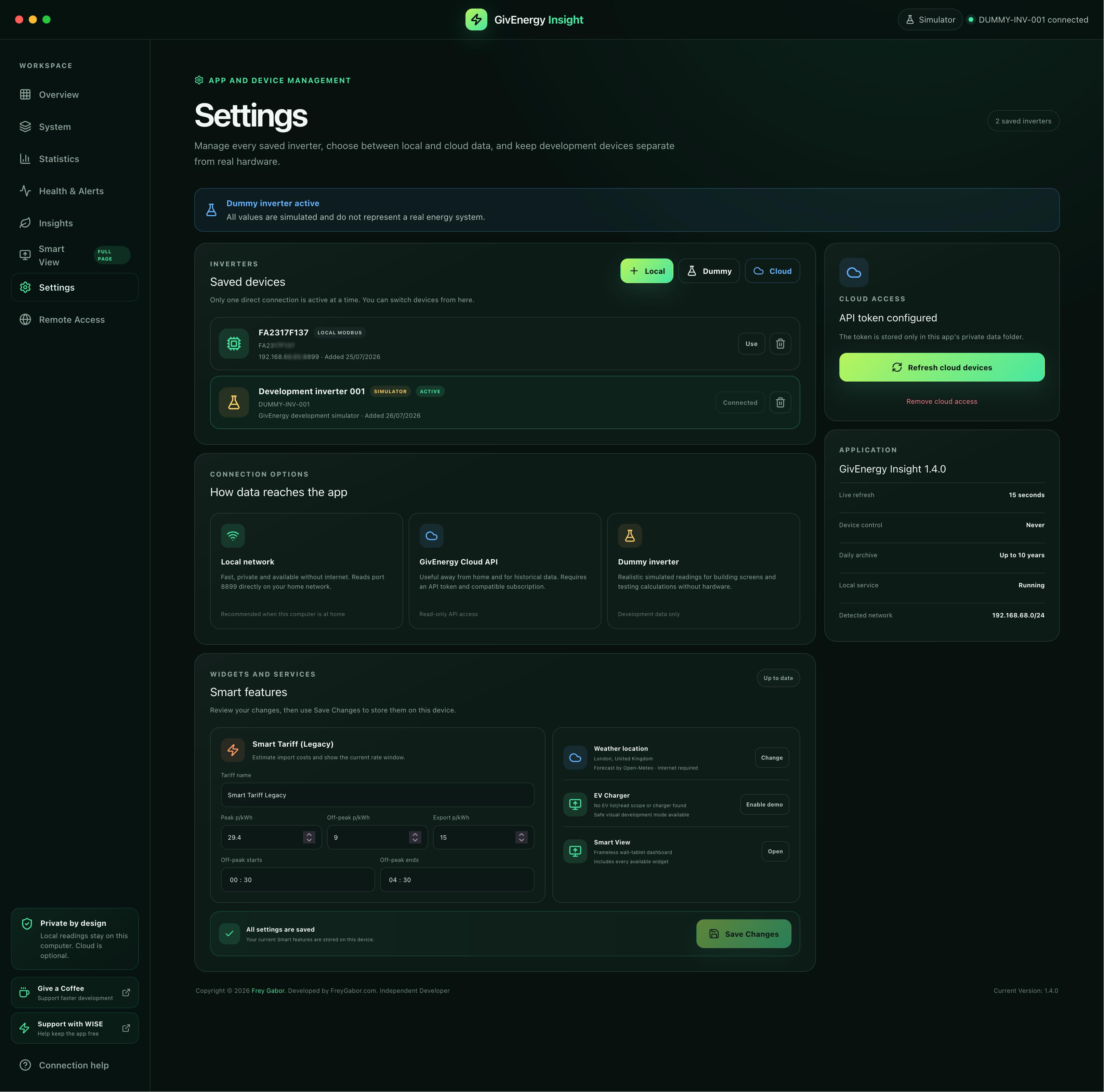
Scan your network, enter the inverter IP, add a Cloud API token or start the dummy inverter.
Arrange widgets, set your tariff and weather location, then launch full-screen Smart View.
The current release supports Apple Silicon Mac, Intel Mac, 64-bit Windows and a documented Synology DSM public beta. Android and iPhone editions remain in development.
Apple Silicon + Intel · macOS 12+
Windows 10/11 · 64-bit
DSM 7.1+ · x86_64 · Local scanning + remote access
Phone and tablet access
Native mobile experience
Published GivEnergy Insight releases from the first Mac build to the current cross-platform professional monitoring release.
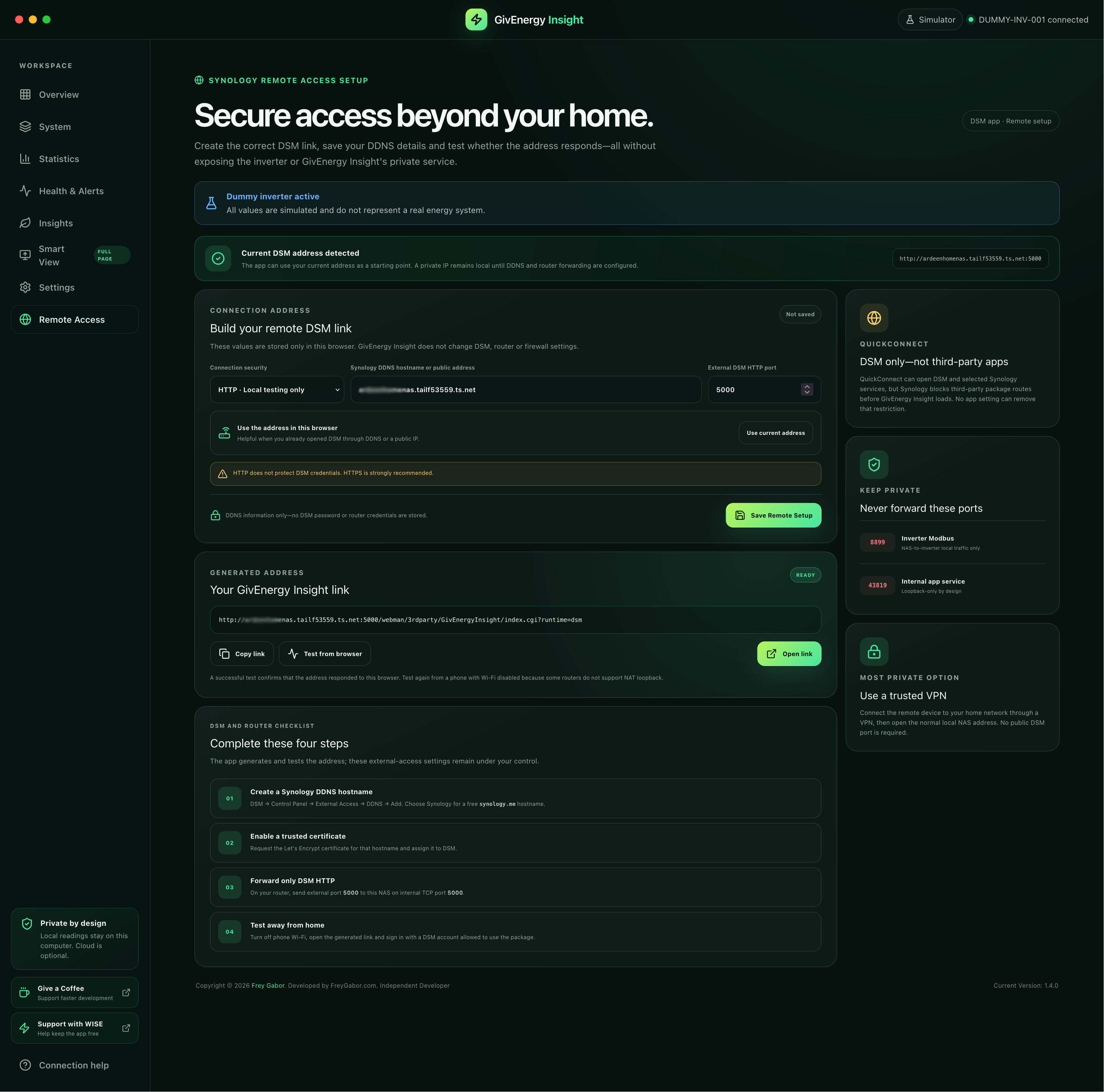
Added the DSM Remote Access Setup page with DDNS address generation, save, copy, open and browser-test actions, plus clear QuickConnect and private-port safety guidance.
The DSM application icon and Package Center Open button began launching the complete protected index.cgi?runtime=dsm route automatically.
Added the explicit application link and protected CGI compatibility launcher to prevent DSM relative-route and static-page errors.
Moved to Synology's supported third-party application route and removed the package-only web resource rejected by DSM 7.1.1-42962 Update 9.
Published the tested x86_64 DSM package with protected login and remote browser access, alongside certificate-free Apple Silicon and Intel Mac downloads with opening instructions.
Prepared consistent Apple Silicon and Intel desktop packages and strengthened local-service startup behaviour.
Expanded the app beyond Apple Silicon with dedicated Intel Mac and 64-bit Windows builds.
Added saved Smart-feature settings, the refined visual Live Data Flow, optional battery and EV branches, and widget height controls.
Added absolute full-screen mode, per-page widget visibility, flexible widget widths and the versioned application footer.
Introduced responsive desktop, tablet and mobile layouts, reorderable widgets, graphs, tariff, weather and EV monitoring.
Launched local inverter discovery, live monitoring and the built-in dummy inverter for safe interface development.
Everything you need before installing the desktop or Synology release.
Yes. The current Mac, Windows and Synology DSM releases are free downloads with no subscription or mandatory GivEnergy Insight account.
No. GivEnergy Insight is a professional monitoring and analysis app. It reads and presents information but does not send inverter-control commands or change schedules, charge slots, discharge slots or export profiles.
Yes. Local mode connects directly to a compatible inverter on your home network and continues to display live readings offline. Weather and optional Cloud API features require internet access.
Mac version 1.4.0 supports Apple Silicon and Intel Macs running macOS 12 Monterey or later. Windows version 1.4.0 supports 64-bit PCs running Windows 10 (64-bit) or later.
Synology beta 1.4.0 requires DSM 7.1 build 42661 or newer on an Intel/AMD 64-bit x86_64 NAS, plus Synology Node.js v18. ARM models are not included. Synology QuickConnect cannot relay third-party packages, so use DDNS, a direct DSM HTTPS address or a VPN. The download contains a detailed compatibility table.
Yes. The NAS continues reading the inverter locally while an authorised browser connects through DSM. Version 1.4.0 adds a Remote Access Setup page that builds, saves, copies and tests the protected DDNS link. Complete DDNS, HTTPS, VPN and port-forwarding instructions are included; HTTPS or a trusted VPN is strongly recommended.
No. The app includes a dummy inverter with realistic changing data, so you can explore the dashboard, graphs, Smart View, battery and EV visuals safely.
No. GivEnergy Insight is an independent application developed by Frey Gabor and is not affiliated with or endorsed by GivEnergy.
The current free builds are unsigned. On macOS, right-click the app, choose Open and confirm. On Windows, Microsoft Defender SmartScreen may require More info → Run anyway. Only download installers from givenergyinsight.com.
Version 1.4.0 includes opening instructions and checksums for every platform, plus complete DSM installation, compatibility, remote-access and troubleshooting guidance.
Includes the certificate-free macOS opening guide, Windows installation and SmartScreen guidance, and SHA-256 verification values.
Includes Start Here, installation, user guide, compatibility, remote access, troubleshooting, release notes and verification checksums.
Choose the correct build and approve the unsigned community app once.
Install safely and handle the first Microsoft SmartScreen prompt.
Requirements, install order and the correct local and remote URLs.
Verify, manually install, open and upgrade the DSM package.
Sign in, add an inverter and use every monitoring workspace.
Use the in-app setup page with DDNS, HTTPS, VPN and port-forwarding guidance.
Supported DSM releases, x86_64 architecture and Node.js requirement.
Installation, launch, DSM sign-in, service and remote-access help.
Version 1.4.0 features, fixes and known limitations.
SHA-256 values for the SPK and corresponding source archive.
SHA-256 values for every current app and help bundle.
All public release milestones from 1.0.0 through 1.4.0.
http://NAS-IP:5000/webman/3rdparty/GivEnergyInsight/index.cgi?runtime=dsm
The DSM application icon and Package Center Open button launch this page automatically in version 1.4.0.
Choose the installer made for your Mac, Windows PC or compatible Synology NAS. Start with the simulator, then connect locally or add optional Cloud access when you are ready.
For Macs with Apple M-series processors. Certificate-free community build; macOS approval is required once.
For Intel-based Macs. Certificate-free community build; macOS approval is required once.
For 64-bit Windows 10 and Windows 11 computers.
Install GivEnergy Insight through DSM Package Center, scan the inverter from the NAS and keep a private monitoring archive running around the clock. Version 1.4.0 adds the System explorer, long-term statistics, plant monitoring, Health & Alerts, Insights and CSV reports while preserving automatic DSM opening and the guided Remote Access Setup page. The release ZIP contains the SPK, source, checksums and complete documentation.
https://YOUR-DDNS:PORT/webman/3rdparty/GivEnergyInsight/index.cgi?runtime=dsm
Unsigned third-party public beta. Manual installation is required.
These are independent unsigned builds. macOS Gatekeeper, Windows SmartScreen or Synology Package Center may ask you to confirm installation. Only download from givenergyinsight.com and verify the supplied checksum.
The app is free—there is absolutely no pressure to donate. If it helps you understand your energy system, a small contribution supports my independent testing, community help and future development. It also helps keep me motivated to make the app better for everyone.